

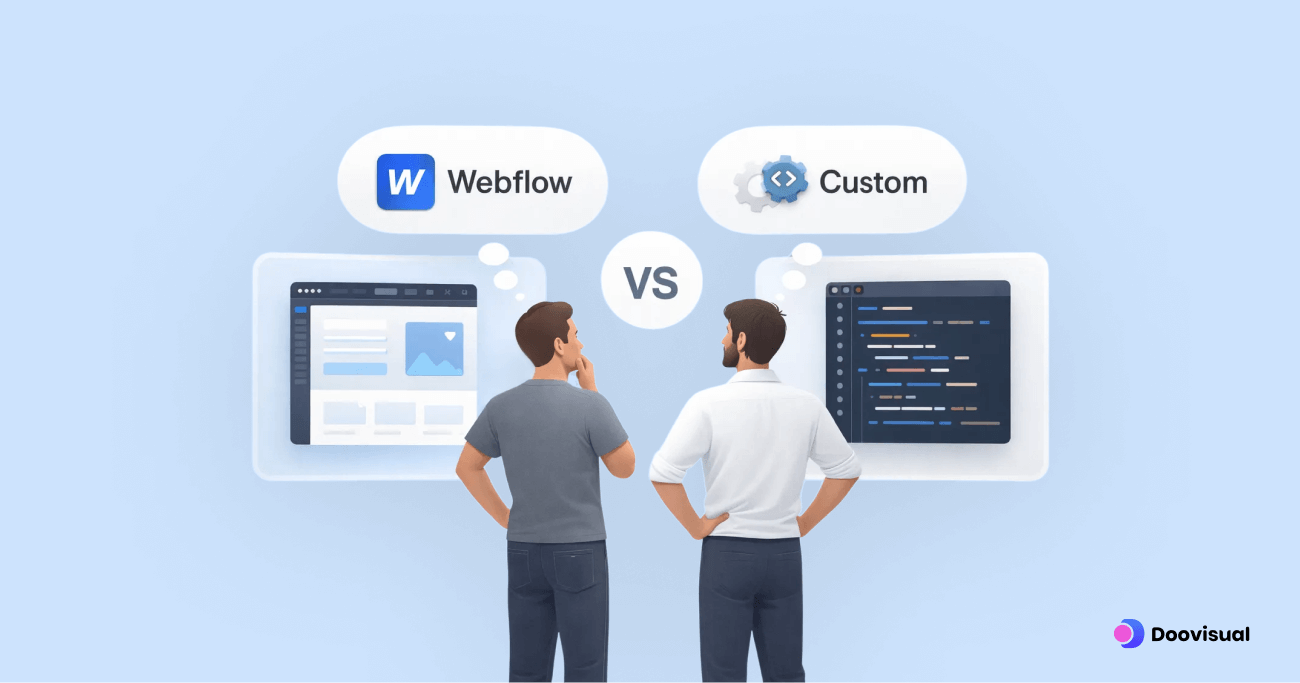
Few decisions confuse startup founders more than choosing between Webflow and custom development. Both options promise flexibility, performance, and scalability. Both are heavily marketed. And both can be the right choice (or an expensive mistake) depending on context.
After working across SaaS websites, marketing platforms, and custom-built products for years, one pattern shows up repeatedly: the problem isn’t the platform, it’s misalignment. Teams choose tools based on trends, advice from Twitter, or developer bias instead of real business needs.
This article is not about declaring a winner. It’s about helping founders understand when Webflow makes sense, when custom development is necessary, and why many teams choose the wrong option too early.
Understanding the Real Difference Between Webflow and Custom Development
At a surface level, the comparison looks simple.
Webflow is a visual, no-code/low-code platform that allows teams to design and launch websites quickly. Custom development involves building a site from scratch using frameworks like React, Next.js, or other modern stacks.
In reality, the difference is not about technology. It’s about how much control you need versus how much complexity you can afford.
Webflow optimizes for speed, autonomy, and iteration. Custom development optimizes for flexibility, integration depth, and long-term technical control. Neither is inherently better. They solve different problems.
The mistake many startups make is assuming they need maximum flexibility from day one. In most cases, they don’t.
What Webflow Is Really Good At in 2026
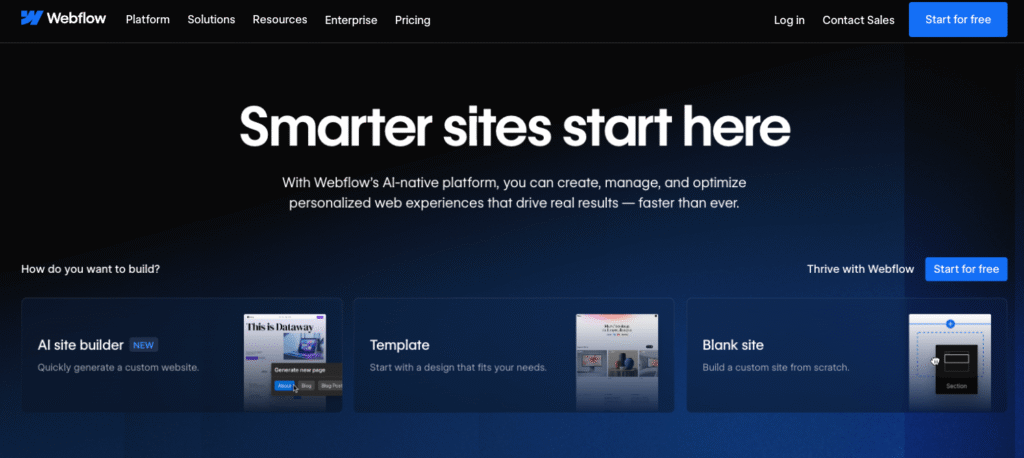
Webflow has matured significantly over the past few years. In 2026, it’s no longer just a designer’s playground. It’s a legitimate platform for serious startup websites, especially on the marketing and content side.
From a UX and product perspective, Webflow excels when clarity, speed, and iteration matter more than custom logic.
For early-stage and growth-stage startups, Webflow offers a few decisive advantages.
First, time to market. Teams can go from concept to live site in weeks, sometimes days. That speed matters when you’re validating positioning, refining messaging, or launching new pages for campaigns.
Second, design control without engineering bottlenecks. Marketing teams can update copy, layouts, and content without touching code or waiting on developers. In fast-moving startups, this autonomy reduces friction and internal dependency.
Third, performance out of the box. Webflow-generated sites, when designed properly, typically meet Core Web Vitals benchmarks. For many startups, this alone removes months of optimization work that custom sites often require post-launch.
From real-world data, Webflow sites regularly achieve page load times under three seconds, which is critical given that Google data shows over 50% of users abandon sites that load slower than that threshold.
The Types of Websites Webflow Is Best Suited For
From a senior UX perspective, Webflow works best when the website’s primary job is communication, not complex interaction.
This includes:
- SaaS marketing websites
- Startup homepages and landing pages
- Content-heavy sites like blogs, case studies, and resources
- Pre-product or early-stage MVP websites
In these scenarios, the website’s success depends on:
- Clear messaging
- Strong visual hierarchy
- Fast iteration based on feedback
Webflow supports these goals exceptionally well.
Where teams get into trouble is trying to stretch Webflow beyond its intended role—using it as a substitute for application-level functionality.
What Custom Development Actually Means (And Why It’s Often Overused)
Custom development sounds powerful, and in many cases, it is. But it also comes with costs that are rarely discussed upfront.
Custom development means you are responsible for:
- Architecture decisions
- Performance optimization
- Security considerations
- Long-term maintenance
For product-driven platforms or applications, this is unavoidable. For marketing websites, it’s often unnecessary.
From experience, many startups choose custom development because:
- Their CTO prefers it
- They assume it’s “more scalable”
- They believe it’s more professional
In practice, custom development only adds value when the website requires custom logic that cannot be handled by platforms like Webflow.
This includes:
- Deep product integrations
- Authenticated user experiences
- Dynamic, data-driven interfaces
- Complex personalization logic
If your website does not require these, custom development often becomes an expensive way to recreate features Webflow already provides.
Cost Is Not the Real Issue- Opportunity Cost Is

Founders often compare Webflow and custom development purely on budget. That’s the wrong lens.
Yes, custom development typically costs more upfront. But the bigger difference lies in opportunity cost.
A custom-built site often takes longer to launch. During that time:
- Marketing experiments are delayed
- Messaging cannot be tested easily
- Growth opportunities are missed
For startups still finding product-market fit, this delay is far more expensive than the design or development bill.
In contrast, Webflow enables rapid iteration. Teams can test messaging, layouts, and positioning in real time. From a UX strategy standpoint, this learning velocity is invaluable early on.
This is why many experienced designers and agencies recommend Webflow first, custom later—not the other way around.
The Scalability Myth: Why Most Startups Don’t Need It Yet
“Will this scale?” is one of the most common questions founders ask.
The uncomfortable truth is that most startup websites never reach the scale they’re built for. They’re over-engineered long before they’re proven.
Webflow scales far better than many assume. It handles:
- High traffic volumes
- Global CDN delivery
- SEO-friendly structures
For the majority of startup websites, Webflow’s limits are never reached.
Custom development becomes necessary when scalability means:
- Serving personalized content at scale
- Integrating deeply with backend systems
- Supporting complex user journeys
Until then, building for hypothetical scale often slows down real growth.
UX and Collaboration: An Overlooked Factor
One of the most practical differences between Webflow and custom development is how teams collaborate.
With Webflow:
- Designers can control final output
- Content teams can make updates independently
- Fewer handoff errors occur
With custom development:
- Designers hand off to developers
- Changes require tickets and sprints
- UX details can degrade during implementation
From years of experience, this handoff gap is one of the biggest risks in custom builds. Even well-designed interfaces lose quality when UX intent is diluted during development.
This is why agencies like Doovisual often recommend Webflow for marketing sites: it preserves design integrity while keeping teams fast and aligned.
Where This Comparison Usually Goes Wrong
Most “Webflow vs custom development” articles reduce the decision to features and pricing. That misses the point.
The real question founders should ask is:
What job does this website need to do right now?
If the answer is:
- Explain your product clearly
- Convert visitors into leads or users
- Support marketing and growth
Webflow is often the smarter choice.
If the answer involves:
- Complex logic
- Deep product interaction
- Authenticated experiences
Custom development becomes justified.
Speed to Launch vs Depth of Customization
Speed is not just a convenience. For startups, speed is leverage.
Webflow’s biggest advantage is that it compresses the distance between idea and execution. A homepage iteration, a new landing page, or a repositioning experiment can go live without waiting for sprint planning or developer availability. This matters far more than most founders expect, especially in early and growth stages.
From a UX standpoint, faster launch means faster feedback. You learn how users respond to messaging, layout, and structure in real conditions, not internal reviews. This learning loop is one of the strongest predictors of product and marketing success.
Custom development, by contrast, trades speed for control. Even with a strong engineering team, every change introduces coordination overhead. Designers hand off, developers implement, QA validates. This process makes sense when the website is tightly coupled to the product. It becomes inefficient when the site’s primary role is communication and conversion.
In practice, teams that choose custom development too early often ship less, not more. Their sites feel rigid because every change is expensive. Webflow sites tend to evolve more naturally because iteration is cheap.
Cost: Looking Beyond the Initial Build
Founders often frame this decision as “Webflow is cheaper, custom is expensive.” That framing misses the real cost curve.
Webflow’s cost structure is predictable. Platform fees, hosting, and design work are usually transparent. More importantly, ongoing changes do not compound cost dramatically. Updating layouts, adding pages, or refining UX rarely requires new infrastructure decisions.
Custom development introduces a different cost profile. Initial build costs are higher, but the bigger issue is maintenance cost. Every future change touches code. Every dependency introduces risk. Over time, even small updates require developer attention.
From a senior UX and product perspective, the risk is not overspending—it’s underutilizing what you build. Many startups invest heavily in custom websites and then hesitate to change them because changes feel costly. The result is stagnation.
If a website is meant to support growth, marketing, and experimentation, the ability to change it easily often matters more than how much it costs to build initially.
SEO: Platform vs Execution
A persistent myth is that custom-built sites are inherently better for SEO. In 2026, that is no longer true.
Search engines do not reward custom code. They reward:
- Performance
- Clear structure
- Semantic markup
- Strong content engagement
Webflow handles most of this well by default. Clean HTML output, fast hosting, CDN distribution, and solid Core Web Vitals performance are built in. For content-heavy and marketing-focused sites, this is more than sufficient.
Custom development gives you more control, but with that control comes responsibility. SEO performance depends entirely on execution quality. Poorly implemented custom sites often underperform Webflow sites simply because performance and structure are not prioritized early.
From experience, SEO outcomes correlate more strongly with content quality and UX clarity than with platform choice. A well-designed Webflow site with strong messaging will outperform a custom site with weak UX every time.
Scalability: What Actually Needs to Scale
Scalability is one of the most misunderstood factors in this debate.
When founders say “scale,” they often mean traffic. Webflow handles traffic scaling without issue for the vast majority of startup websites. CDN-backed delivery, global hosting, and caching solve this problem effectively.
True scalability challenges arise when the website must:
- Personalize content at scale
- Integrate deeply with internal systems
- Support authenticated user flows
- Act as part of the core product experience
At that point, the website stops being a website and starts becoming an application. This is where custom development becomes justified.
Until then, building for hypothetical future complexity usually creates present-day friction. Teams slow down. UX experimentation decreases. Momentum suffers.
Senior product teams delay custom development until the complexity is real, not imagined.
The Hybrid Approach: Webflow Plus Custom Where It Matters
One of the most practical solutions we see in 2026 is the hybrid approach.
Instead of choosing between Webflow or custom development, teams combine them intentionally:
- Webflow handles the marketing site, content, and public-facing pages
- Custom development powers the product, app, or authenticated experiences
This separation aligns with how users actually interact with the brand. Marketing pages need speed and iteration. Product interfaces need stability and deep logic.
Hybrid setups also reduce internal friction. Designers maintain control over brand and messaging. Developers focus on product features instead of marketing changes. Both teams move faster.
Agencies like Doovisual often recommend this approach because it balances UX quality, speed, and long-term maintainability without forcing premature technical decisions.
Real-World Decision Patterns From Startups
After years of working with startups at different stages, certain patterns repeat.
Early-stage startups that succeed usually:
- Launch on Webflow
- Iterate messaging rapidly
- Delay custom builds until product complexity demands it
Growth-stage startups that struggle often:
- Invest heavily in custom websites too early
- Avoid changes because they feel expensive
- Confuse technical sophistication with user value
Late-stage or product-led companies eventually:
- Move parts of their site to custom stacks
- Integrate marketing and product experiences more tightly
- Accept higher technical overhead as a trade-off for control
There is no single correct answer, but there is a clear sequence that minimizes risk.
Making the Decision as a Founder
The most useful question is not “Which is better?”
It is “What do we need right now to grow?”
If your priorities are:
- Speed
- Messaging clarity
- Conversion optimization
- Marketing flexibility
Webflow is usually the right choice.
If your priorities are:
- Complex logic
- Deep integrations
- Product-driven user journeys
Custom development becomes necessary.
Choosing correctly is less about technical preference and more about honesty regarding your current stage.
Practical Conclusion: Design for Momentum, Not Ego
In 2026, both Webflow and custom development are powerful. The difference lies in how responsibly they are used.
As a senior UI/UX designer, the biggest mistakes I see are not technical. They are strategic. Teams overbuild, slow themselves down, and confuse complexity with progress.
The best-performing startups design for momentum. They choose tools that let them learn faster, communicate better, and adapt without friction. They earn the right to build custom systems by first proving demand.
Webflow is not a shortcut. Custom development is not a badge of seriousness. They are tools. Used at the right time, both are effective. Used at the wrong time, both are expensive.
Make the decision based on what will help your users understand, trust, and adopt your product today. The rest can come later.
Scenario 1: Early-Stage SaaS With an Unclear ICP
This is the most common startup situation, even if founders don’t like to admit it.
You have:
- A working product or MVP
- Some early users
- An evolving value proposition
- Messaging that’s still being refined
In this scenario, the website’s primary job is learning, not permanence.
Webflow performs exceptionally well here because it allows teams to:
- Test positioning without rewriting code
- Adjust messaging based on real user behavior
- Launch new landing pages for experiments quickly
From a UX standpoint, this stage is about removing friction between insight and action. If every website change requires a sprint, learning slows down. That slowdown compounds.
Custom development in this phase often leads to over-commitment. Teams lock themselves into structures that reflect assumptions rather than validated insights. When those assumptions change—as they almost always do—the cost of change becomes a silent tax.
For early-stage SaaS, Webflow isn’t just convenient. It’s strategically aligned with uncertainty.
Scenario 2: Growth-Stage Startup Scaling Acquisition
This is where the decision becomes less obvious.
You have:
- Clear product-market fit
- Paid acquisition channels running
- Content marketing gaining traction
- Increasing pressure to improve conversion efficiency
At this stage, the website starts to matter more financially. Small UX improvements can create outsized impact.
Webflow still works well here, especially when paired with strong UX strategy. Conversion optimization, content expansion, and performance tuning are all achievable without custom code. In many cases, growth-stage startups see significant gains simply by restructuring pages, improving hierarchy, and clarifying messaging.
The risk is assuming that “growth” automatically requires custom development. It doesn’t.
Custom development only becomes necessary if:
- The website must integrate deeply with product data
- Personalization logic is central to the experience
- Marketing and product experiences must merge tightly
Absent those needs, Webflow remains a strong option—even at scale.
Scenario 3: Product-Led Company With a Blurred Line Between Website and App
This is where custom development often becomes unavoidable.
You have:
- A product that users interact with daily
- Authenticated experiences starting from the homepage
- Pricing, onboarding, and feature education tightly linked to product state
In this case, the website is no longer just a marketing surface. It’s part of the product ecosystem.
Here, custom development enables:
- Dynamic content based on user state
- Deeper integrations with backend systems
- More complex UX flows that Webflow cannot handle cleanly
However, even in this scenario, many teams still benefit from a hybrid approach. Public-facing pages live in Webflow. Product-driven experiences live in a custom stack. This separation keeps complexity contained and teams focused.
Senior teams resist the urge to rebuild everything in one place unless there is a clear, sustained benefit.
The Hidden Risk: Premature Technical Identity
One of the least discussed issues in Webflow vs custom development decisions is identity bias.
Founders and teams often choose custom development because:
- It feels more serious
- It aligns with how they see themselves as a “real tech company”
- It signals sophistication to investors or peers
This is a dangerous reason to choose a tool.
Users do not care how your website is built. They care whether it:
- Loads fast
- Explains value clearly
- Feels trustworthy
- Makes actions easy
From a UX perspective, technical identity should follow user value, not precede it. Teams that build for ego often sacrifice momentum. Teams that build for clarity usually win.
Maintenance, Ownership, and Long-Term Reality
Another area founders underestimate is ownership over time.
Custom development gives you full control—but also full responsibility. Every dependency, framework upgrade, and architectural decision becomes your problem. Over years, this accumulates into real maintenance cost.
Webflow abstracts much of this away. You trade some flexibility for reduced operational burden. For many startups, this is a rational trade.
From experience, the question is not “Do we own the code?” but “Can we sustainably maintain and evolve what we build?”
Ownership without capacity becomes a liability.
The UX Lens Most Teams Miss
As a senior UI/UX designer, the most overlooked aspect of this decision is design integrity over time.
In custom builds, UX quality often degrades gradually:
- Small compromises during implementation
- Minor inconsistencies introduced under pressure
- Design debt accumulating quietly
With Webflow, designers retain direct control over the final experience. This reduces translation loss and preserves intent. For marketing and content-driven sites, this alone can justify the platform.
The best UX outcomes come from systems where:
- The person designing the experience can influence how it ships
- Feedback loops are short
- Changes are easy
Tool choice directly affects these conditions.
A Practical Decision Framework (No Buzzwords)
If you’re deciding today, ask yourself these questions honestly:
Is our website primarily about explaining and converting, or interacting and computing?
Do we need to iterate weekly, or can we afford slower cycles?
Is our complexity real today, or hypothetical?
Do we have the internal capacity to maintain a custom system long-term?
If your answers lean toward speed, learning, and clarity, Webflow is likely the better choice.
If they lean toward deep logic, integration, and product-driven UX, custom development becomes justified.
Agencies like Doovisual often help founders navigate this decision not by pushing a platform, but by aligning tooling with stage, goals, and UX reality.
Final Conclusion: Build What You Need, Not What You Might Need
In 2026, the Webflow vs custom development debate is no longer about capability. Both options are powerful. The difference lies in timing and intent.
Most startups benefit from starting simpler than they think. They win by moving faster, learning sooner, and staying adaptable. Overbuilding too early slows momentum and creates invisible drag.
Webflow is not a compromise. It’s a strategic choice when clarity, speed, and UX integrity matter most.
Custom development is not overkill. It’s essential when complexity is real, persistent, and tied directly to user value.
The best founders don’t ask, “What’s the best platform?”
They ask, “What will help our users understand and trust us right now?”
Answer that honestly, and the decision becomes clear.